If Smartlead is on your shortlist for cold email software, it’s worth pausing for a moment to weigh your options carefully.
While Smartlead may look perfect on paper, it lacks important cold email features such as multichannel outreach, advanced personalization with AI, and seamless integration options, which are crucial for effective and scalable campaigns.
And that's not even the main problem. The main problem is what's happening above the sending layer.
Your email accounts disconnect mid-campaign and you find out hours later. The warmup occasionally hurts deliverability instead of helping it (this one shows up across G2 critical reviews and Reddit threads, repeatedly).
Support takes days to respond. And the moment you try to add LinkedIn outreach or run client workspaces, you're stacking three more tools on top, each with its own login.
So "Smartlead alternatives" isn't really a search for a better sender. It's a search for fewer tools.
I tested five Smartlead alternatives across real outbound campaigns, priced them the way agencies actually buy software (annual billing), and ranked them by how well they solve the specific frustration likely pushing you to search "smartlead alternatives" in the first place.
Let's get into it!
TL;DR: 6 Best Smartlead Alternatives for 2026
Salesforge — Best for multi-channel outreach (email + LinkedIn) with unlimited mailboxes, free unlimited warm-up, and Primebox. From $40/month (billed annually).
Instantly — Best for fast email-first outbound with unlimited inboxes and a clean, scaled sending engine. From $30/month (billed annually).
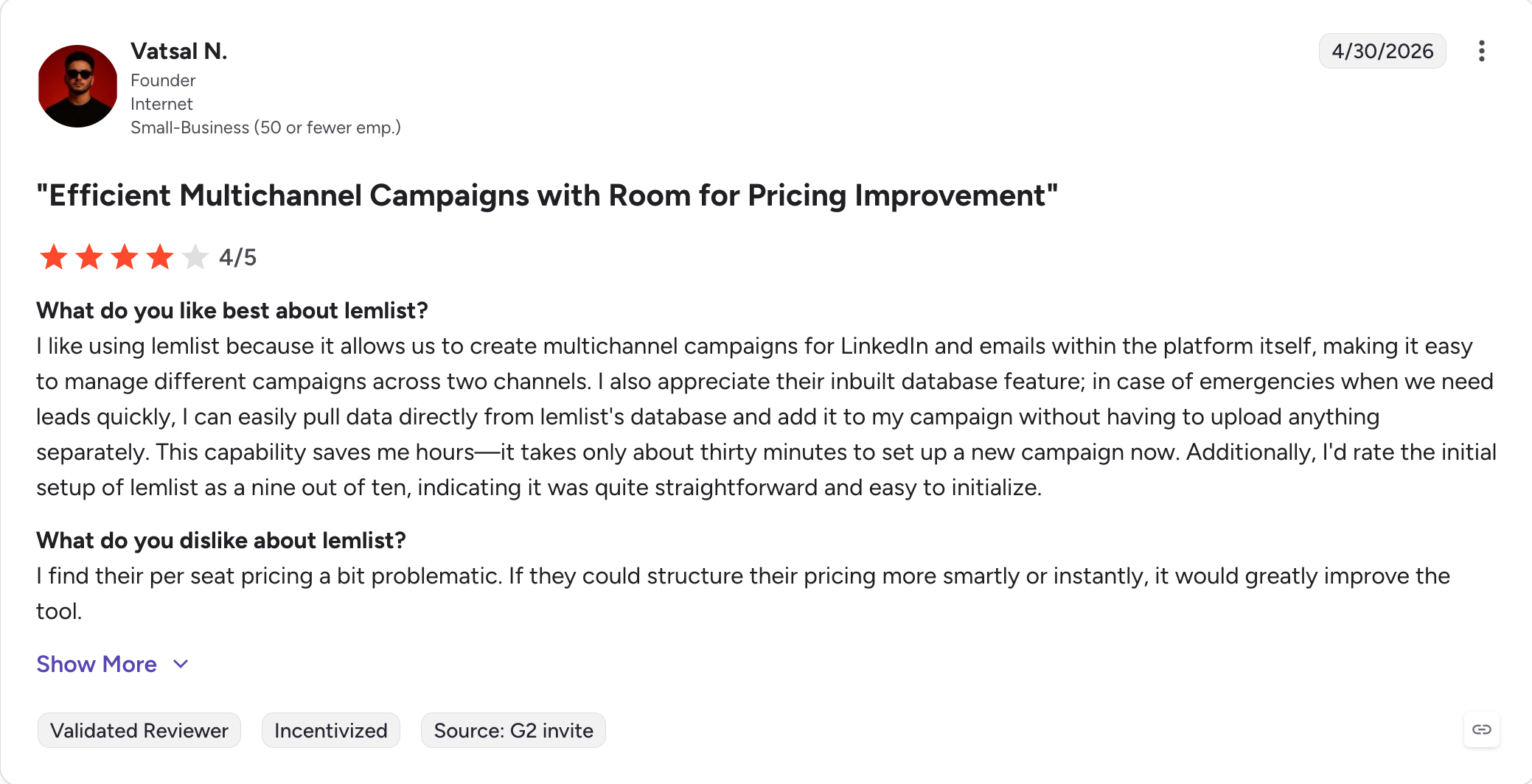
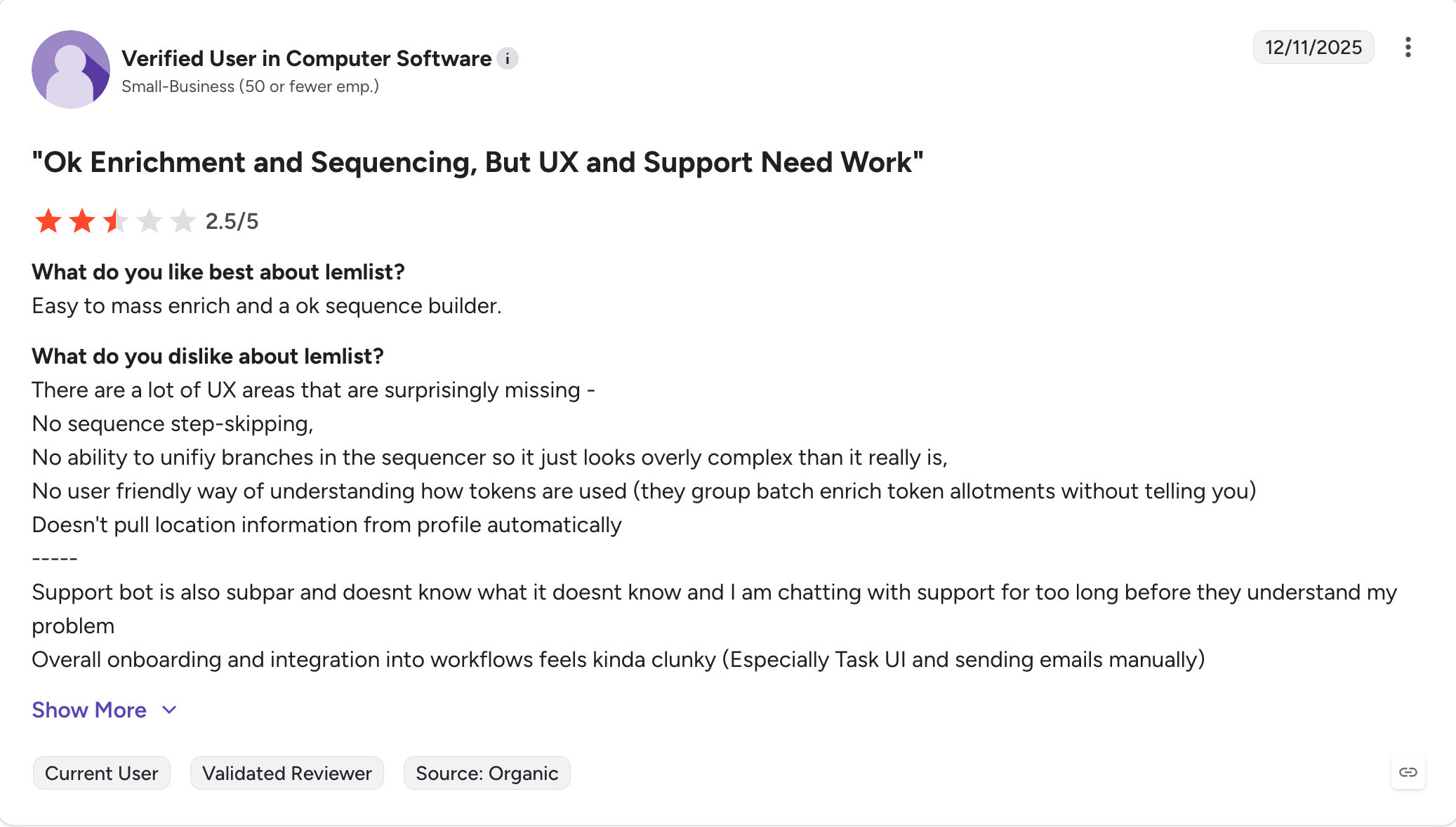
Lemlist — Best for personalization-heavy campaigns with image, video, and multichannel sequencing. From $55/user/month (billed annually).
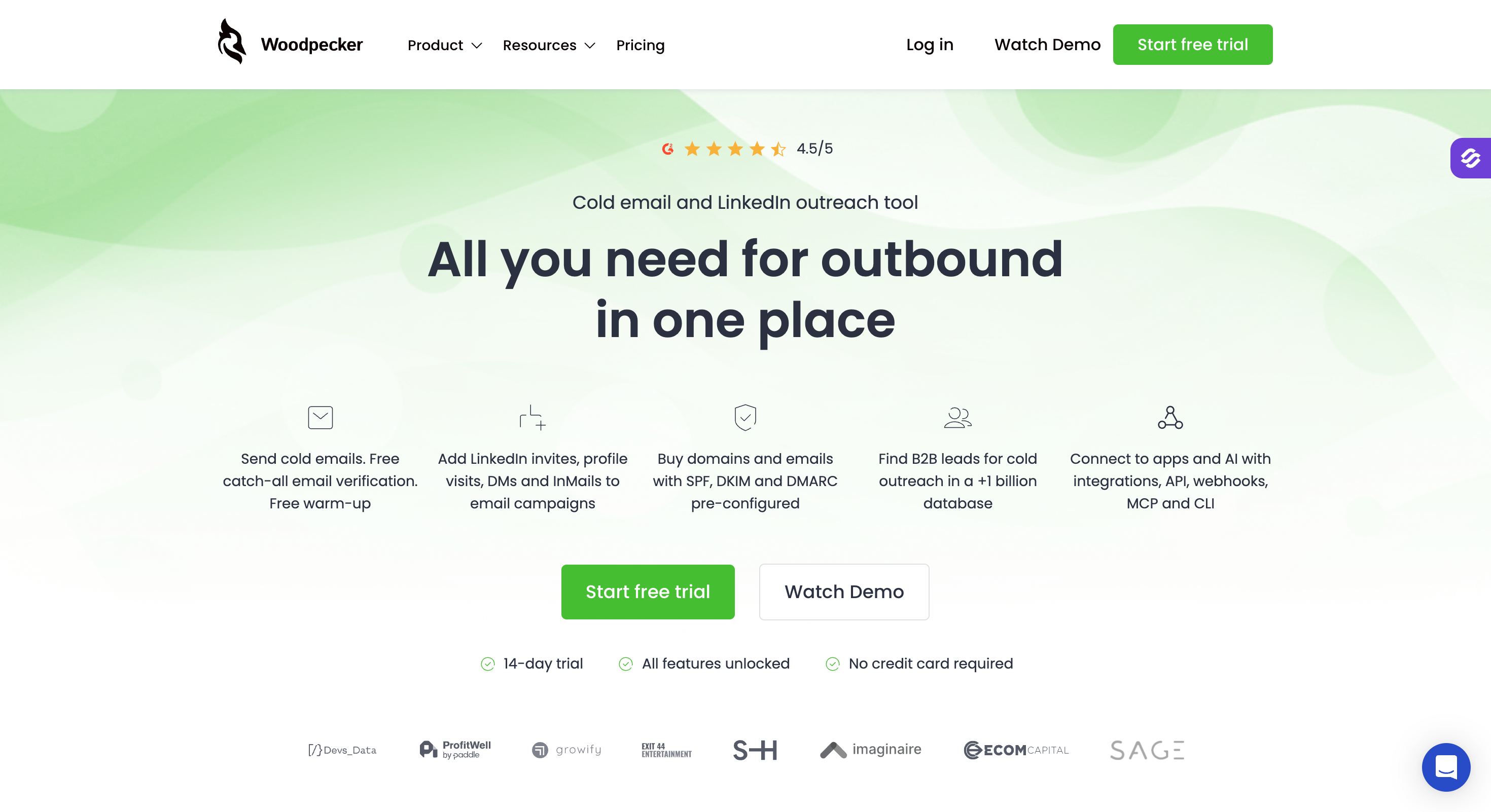
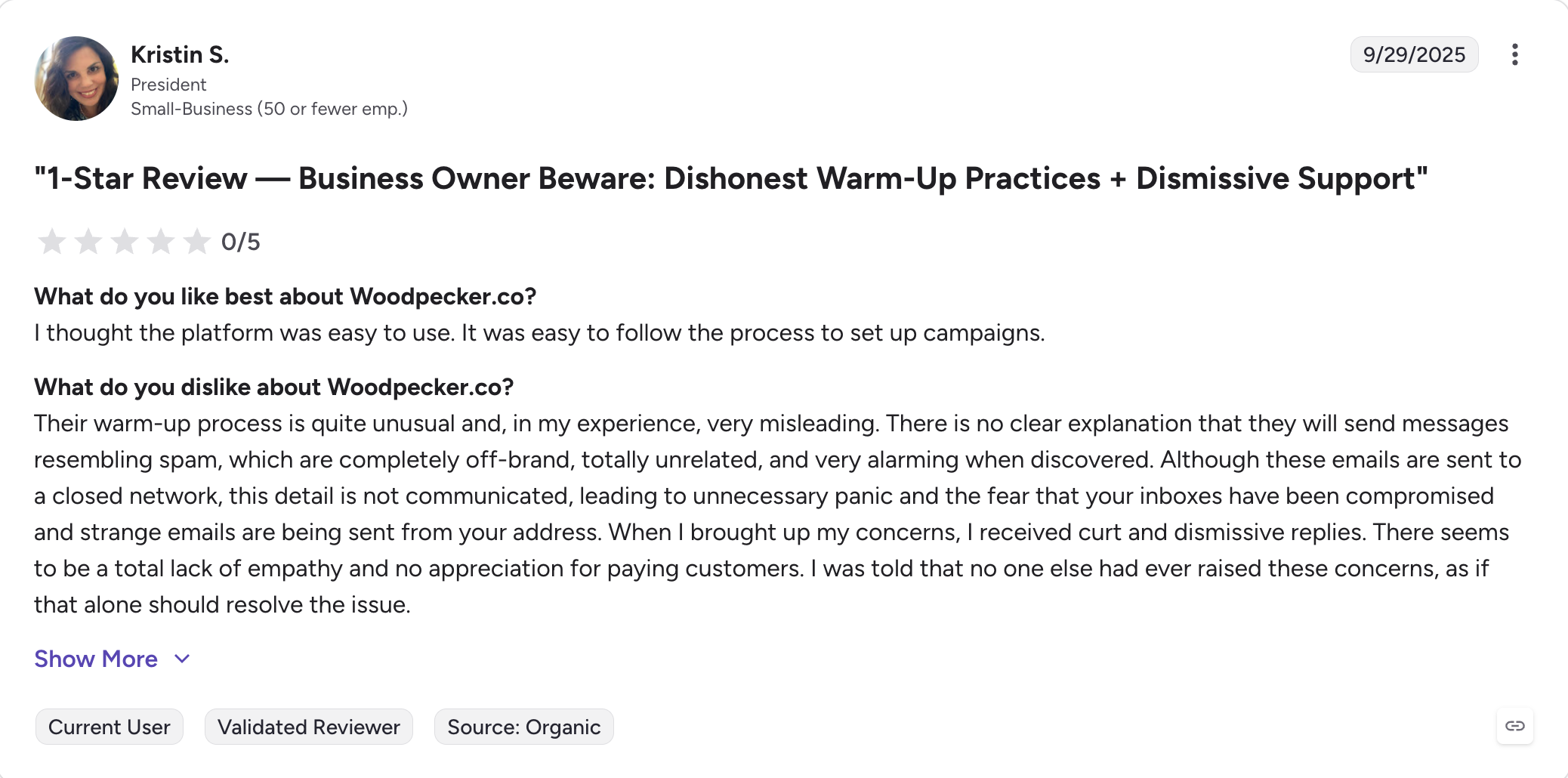
Woodpecker — Best for solo founders and small teams who want simple cold email without operational overhead. From $20/month (billed annually).
Saleshandy — Best for budget-conscious teams and agencies wanting unlimited mailboxes and unlimited clients. From $25/month (billed annually).
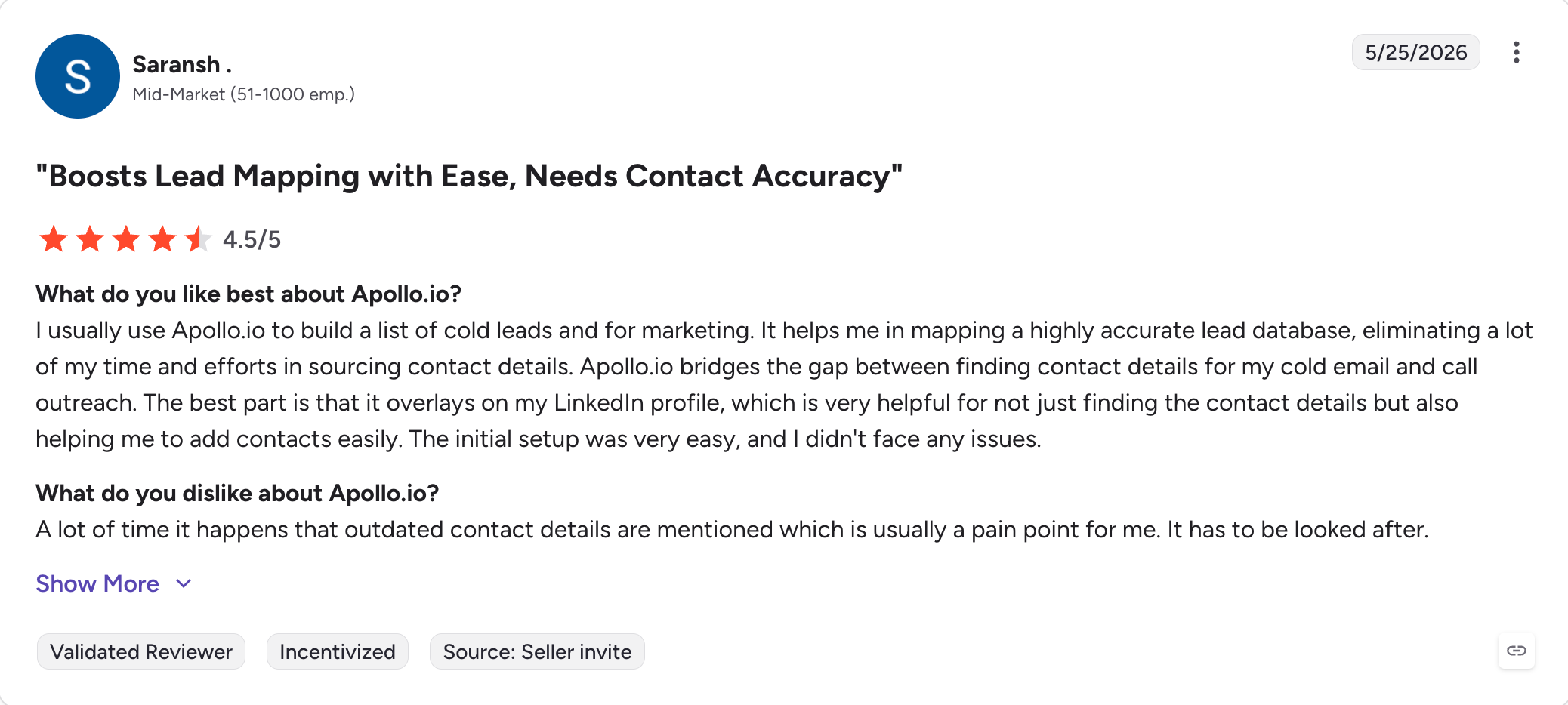
Apollo.io — Best for teams wanting prospecting and outreach in one platform with a 275M+ contact database. From $49/user/month (billed annually).
4 Reasons People Leave Smartlead in 2026
These aren't theoretical pain points. They're the four frustrations that show up over and over again in G2 critical reviews and Reddit threads about Smartlead.
Your email accounts keep disconnecting
This is Smartlead's most-flagged complaint. Mailboxes disconnect mid-campaign with no warning. You wake up to a stalled sequence, reconnect the account manually, lose 12 hours of sending in the process. If you're running 30 mailboxes, this happens often enough to become a real operational tax.
Switch when: you're reconnecting mailboxes more than once a week.
The warmup is hurting your deliverability, not helping it
This one comes up across G2 and Reddit repeatedly. Smartlead's AI warmup can degrade sender reputation in some configurations instead of building it. Multiple users describe inbox placement getting worse after onboarding to Smartlead's warmup, not better.
Switch when: your inbox placement is dropping while Smartlead's warmup is running.
Agency fees add up quickly
If you run cold email for clients, Smartlead charges $29/month per client workspace on top of the base plan, which adds up quickly for agencies managing multiple clients. Running 10 clients on the $94/mo Pro plan? You’re paying $384/month, not $94. Saleshandy includes unlimited clients on every plan. Salesforge Growth includes unlimited workspaces.
Switch when: you’re managing 5+ clients and per-client fees are eating margin.
You need LinkedIn, not just email
Smartlead is email-only, not a broader sales engagement platform. If your outbound motion involves LinkedIn connection requests, follow-up messages, or InMail, you’re managing them in a separate tool, which breaks email and LinkedIn outreach across multiple channels.
Two sequences. Two reply inboxes. Two sets of analytics. And prospects regularly get hit out of sequence because the tools don’t talk to each other.
Switch when: you’re running parallel LinkedIn outreach and want it inside the same sequence as your email touches.
How I Tested These Smartlead Alternatives
Here's how I built this list.
I ran live cold outreach campaigns through each tool over the past 90 days using the same ICP (B2B SaaS, 20–200 employees, US and UK markets) and the same baseline copy structure across every platform to keep variables controlled.
Lead volumes ranged from 500 to 2,000 contacts per platform, scaled to each tool's trial limits.
What I measured per tool:
Reply rate (engagement)
Bounce rate (data and deliverability hygiene)
Time to first campaign launch (setup friction)
Pricing at annual billing, including agency or per-seat overhead
G2 verified rating and review count, pulled the week this article was published
What I deliberately didn't test:
Enterprise-tier features sitting behind sales-call paywalls
Any tool that required more than 3 hours of setup to send a first email (it self-eliminates)
Feature Comparison: Top 5 Smartlead Alternatives at a Glance
✅ Primebox with Co-Pilot and Auto-Pilot modes (AI drafts replies; you approve, or AI continues autonomously)
✅ Unibox
✅ Unified inbox
✅ Basic unified inbox
✅ Unified inbox
Integrations (CRM, Sales Nav, API)
✅ HubSpot, Pipedrive, LinkedIn Sales Navigator, API, Zapier, webhooks; full Forge Stack under one login
⚠️ Limited native CRM; API + Zapier
✅ HubSpot, Salesforce, Pipedrive, API, Zapier
✅ HubSpot, Pipedrive, Zapier
✅ HubSpot, Pipedrive, Zapier
Free Chrome extension (email finder)
✅ Free LinkedIn Email Finder — verified emails directly from LinkedIn profiles
❌
⚠️ Paid extension
❌
⚠️ Limited free tier
AI SDR
✅ Agent Frank — fully autonomous AI SDR (prospects, writes, sends, books meetings)
❌
⚠️ AI sequence assistant only
❌
❌
MCP + CLI for AI agents
✅ Forge MCP Server connects the full stack to Claude and other AI agents
❌
❌
❌
❌
Agency support
✅ Unlimited users, unlimited workspaces, no per-client fee (Growth plan)
⚠️ Per-client workspace pricing scales up
⚠️ Per-seat pricing scales fast
⚠️ Agency add-on $27/client/month
✅ Unlimited clients on all plans
Free trial
14-day free trial, no credit card required
14-day trial
14-day trial
7-day trial
7-day trial
Best for
Cold email + LinkedIn teams wanting one consolidated outbound stack
Email-first outbound at scale
Personalization-heavy multichannel campaigns
Solo founders + small teams sending simple cold email
Budget-conscious teams + agencies needing unlimited clients
1. Salesforge — Best Overall Smartlead alternative
Best for: Cold email and LinkedIn teams that want one platform instead of three.
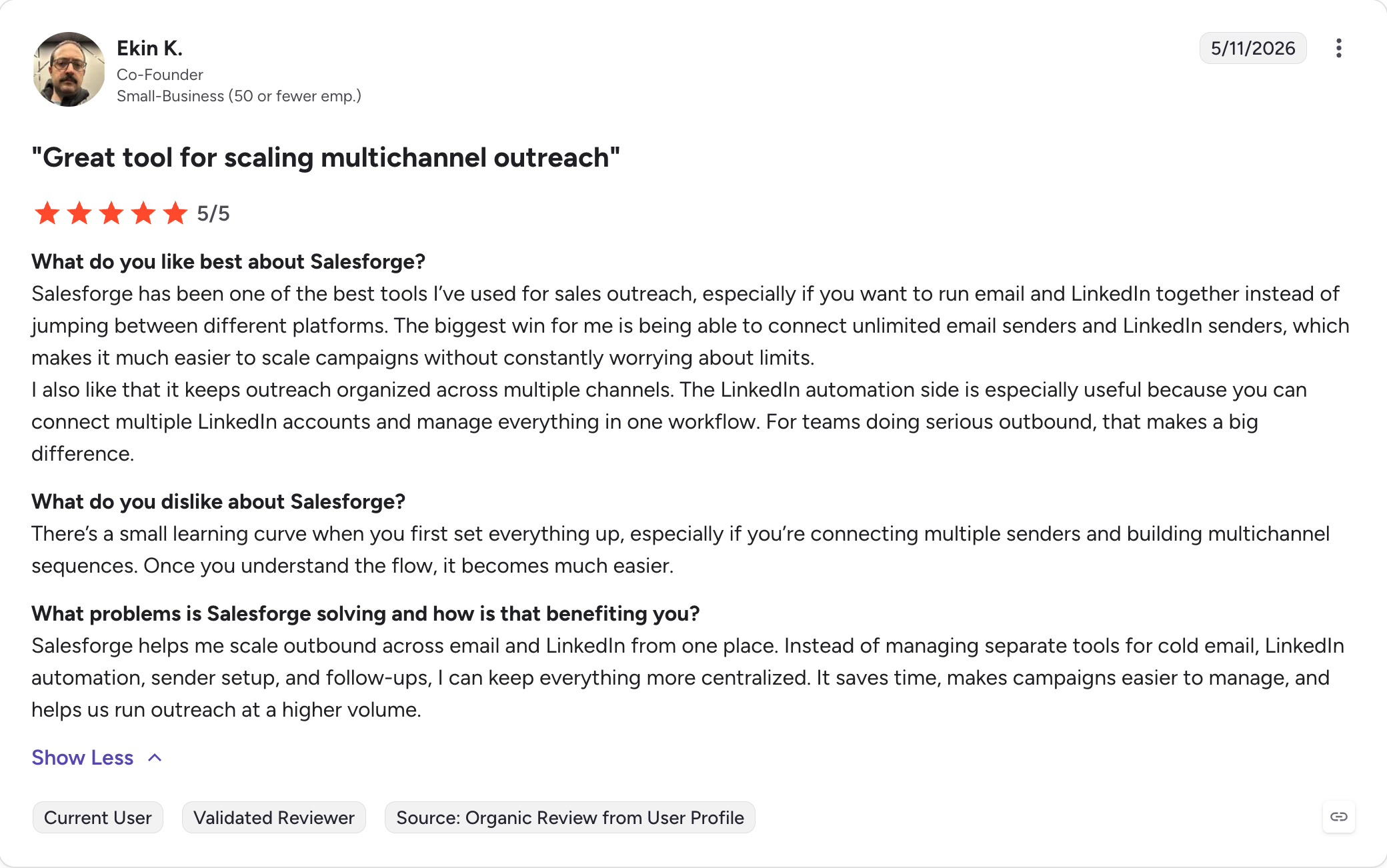
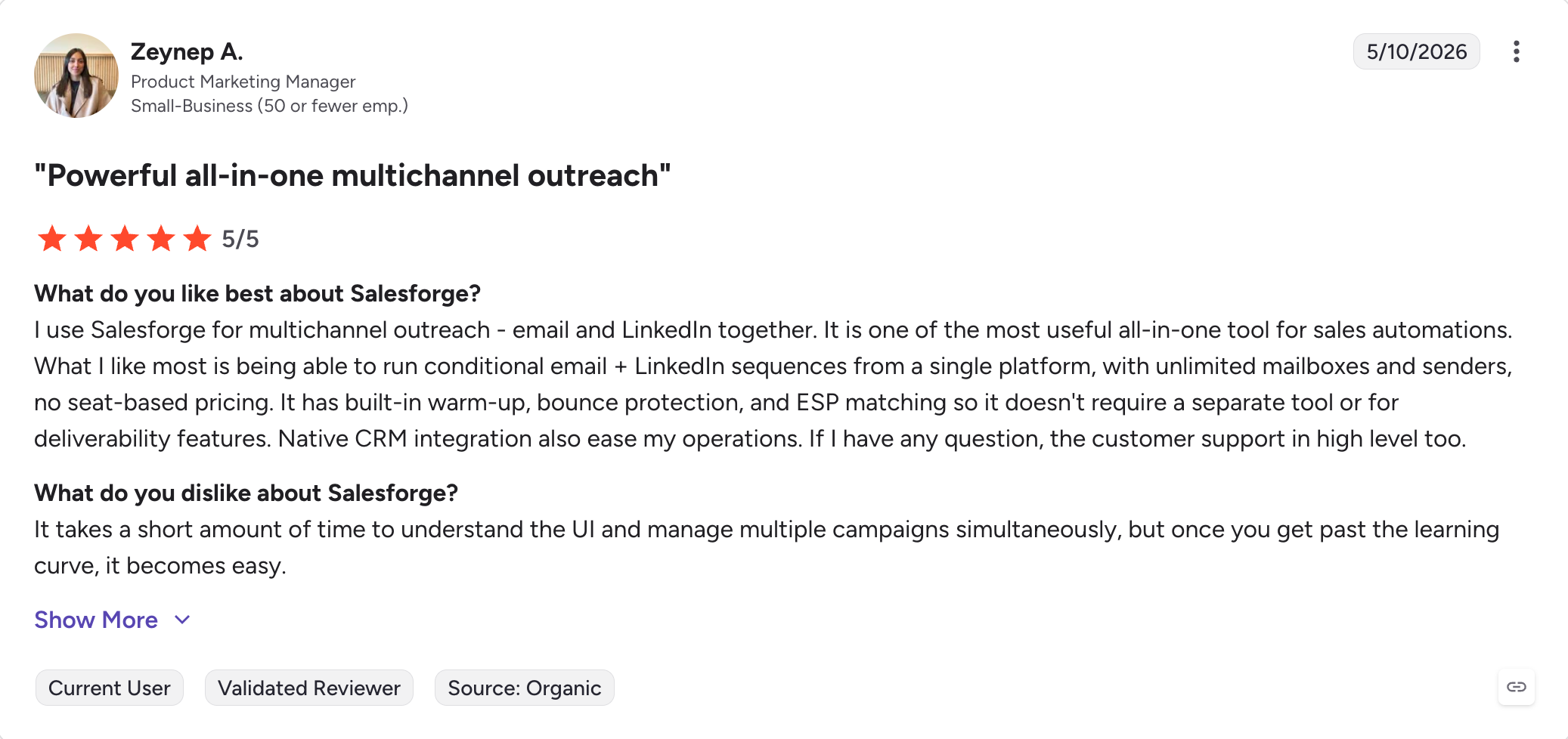
I put Salesforge first because it works well as a cold outreach platform for teams that want to consolidate their stack, not add more software.
If you’re on Smartlead today, your outbound stack probably looks like this: Smartlead for cold email, a separate warmup service when Smartlead’s warmup misbehaves, a separate LinkedIn automation tool, a separate Chrome extension to find emails from LinkedIn profiles, and a separate prospecting database.
Five logins, five invoices, five places where something can break.
Salesforge runs all of that under one login, which helps sales teams scale outreach without relying on multiple tools.
Email and LinkedIn sequences in the same campaign. Unlimited mailboxes. Unlimited warm-up included free through Warmforge. Free LinkedIn Email Finder Chrome extension. The full Forge Stack (Mailforge for shared infrastructure, Infraforge for dedicated IPs, Primeforge for Google and Microsoft mailboxes, Leadsforge for a 500M+ lead database with lead data and contact details in the same workflow) accessible from the same dashboard.
That’s the practical case. Now, let’s discuss the features that matter for cold email specifically.
Core Salesforge Features
Unlimited mailboxes and senders. Pro plan includes unlimited mailboxes and 1 LinkedIn sender. Growth plan includes unlimited mailboxes, unlimited LinkedIn senders, unlimited users, and unlimited shared workspaces. No per-mailbox pricing, no per-seat fees on the agency plan.
Multichannel sequences with conditional branching. Build a single sequence that mixes email and LinkedIn touches with if/then logic. This kind of campaign automation helps manage campaigns more efficiently across email and LinkedIn as part of a broader outreach strategy. If a prospect opens email 2 but doesn’t reply, send a LinkedIn connection request. If they accept the connection but don’t message back, follow up with email 3. A/Z testing across multiple variants, advanced analytics per step.
Premium Warm up via Warmforge.Warmforge provides a sophisticated email warm-up system that steadily builds your sender reputation by simulating real email interactions. This approach improves inbox placement rates and reduces the risk of your cold emails landing in spam folders.
AI personalization in 21+ languages. Salesforge’s AI personalization pulls from the prospect’s LinkedIn profile, company news, and industry context to generate first lines that don’t sound like merge fields. Native support across 21+ languages means agencies running outbound for clients in European or APAC markets aren’t stuck with English-only AI.
Primebox unified inbox with two modes. Co-Pilot mode lets the AI draft replies; you approve before they send. Auto-Pilot mode lets the AI continue conversations autonomously, qualifying prospects and booking meetings without manual intervention, including automated follow ups. Replies from email and LinkedIn flow into the same inbox across every mailbox and sender.
LinkedIn Email Finder Chrome extension. Verified emails pulled directly from LinkedIn profiles, which is useful for lead generation. 100 free credits on signing up at Leadsforge.
Integrations. Native HubSpot, Pipedrive, LinkedIn Sales Navigator, API access, Zapier, webhooks. Plus the full Forge Stack (Warmforge, Mailforge, Infraforge, Primeforge, Leadsforge) under one login. Salesforge works as a multichannel outreach tool for teams that want one system for sequencing, inboxes, and CRM-connected workflows. It also fits agencies that need a cold outreach tool without stitching together separate products.
MCP CLI. The Forge MCP Server connects the full Forge Stack to Claude and other AI agents. If you’re running programmatic outbound workflows or wiring your stack into agentic systems, this is the only tool in this comparison that supports it natively.
Agent Frank. Fully autonomous AI SDR. Prospects find prospects, write personalized emails, send sequences, follow up, and book meetings without human intervention. Sold as a separate hire ($416/month billed annually). Not part of the Pro or Growth plan, but it lives inside Salesforge if you scale into it.
Salesforge Pros and Cons
Pros
Cons
Email + LinkedIn in one sequence with conditional branching
Pro plan limits you to 1 LinkedIn sender (Growth removes this)
10,000 contacts, 50,000 emails/month,
unlimited LinkedIn senders, unlimited users,
unlimited workspaces, unlimited team members
Agent Frank
$416/month (billed annually)
Fully autonomous AI SDR add-on
These are Salesforge’s pricing plans. All plans include unlimited warm-up, mailbox rotation, dynamic ESP matching, email validation, and Primebox. 14-day free trial, no credit card required.
Choose Salesforge if: your outbound motion includes both email and LinkedIn, you're tired of stitching together Smartlead + warmup service + LinkedIn tool + email finder + lead database, or you're running an agency and the $29/client fee is eating margin. Salesforge consolidates the stack at one price.
2. Instantly — best for fast email-first outbound at scale
Best for: Teams that want the closest direct Smartlead replacement for cold email without adding LinkedIn or AI SDR complexity.
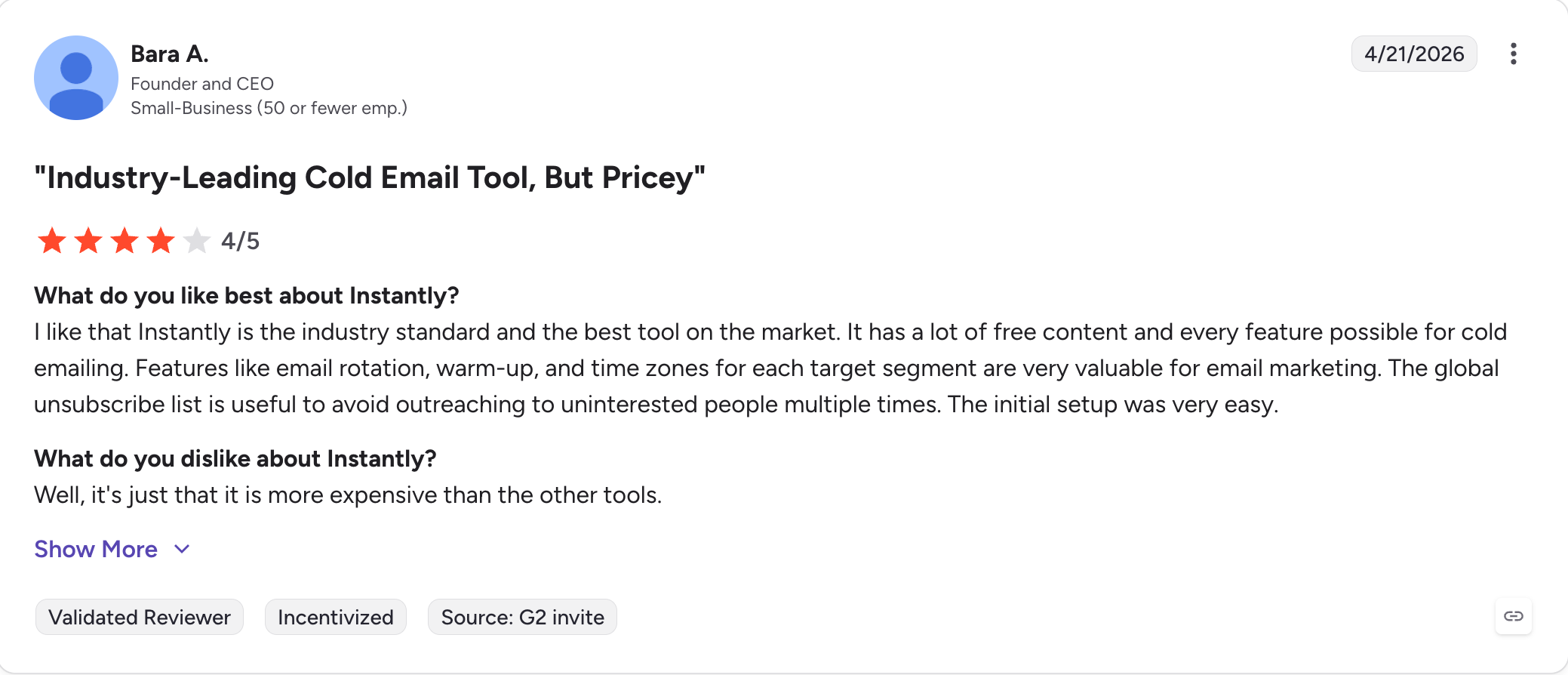
Instantly is the most-named Smartlead alternative in 2026 for a reason.
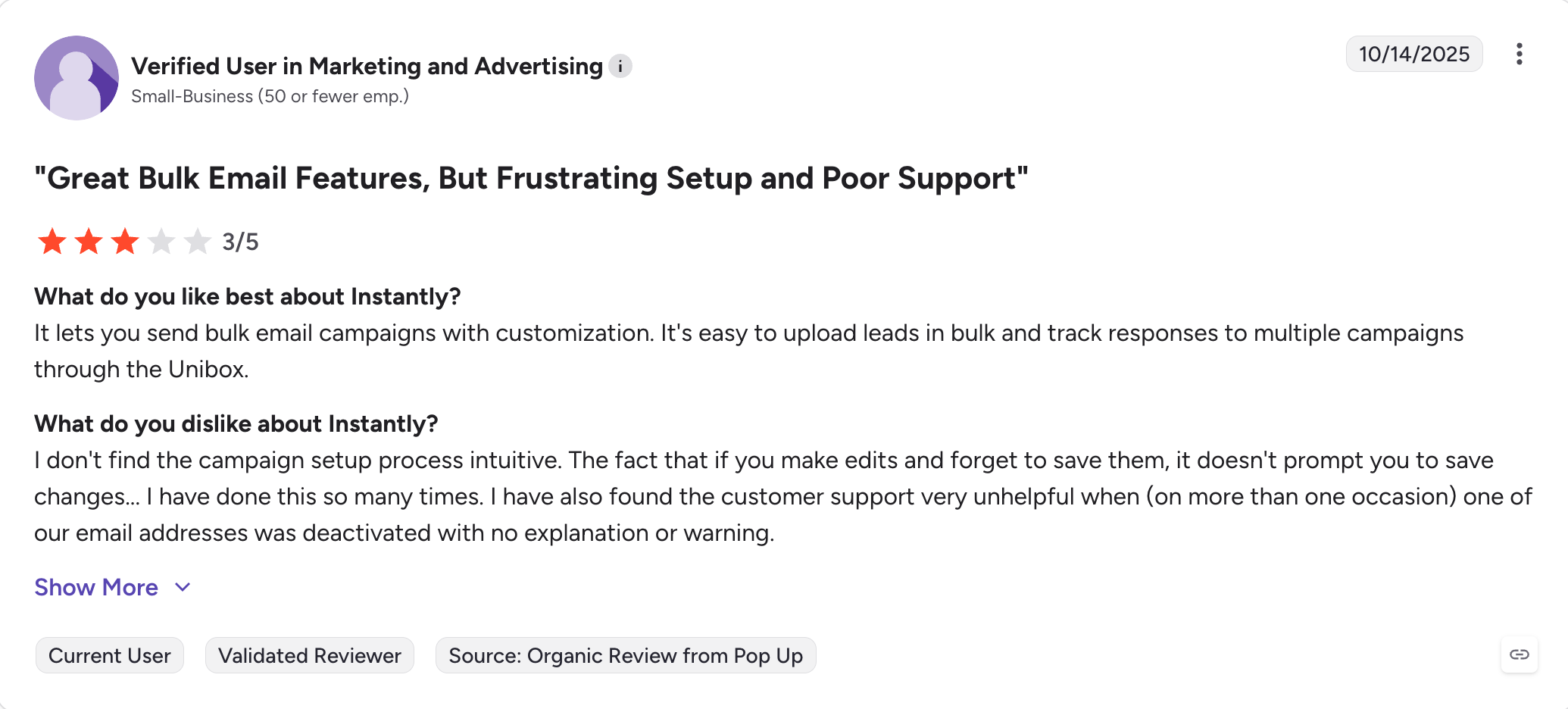
It solves the same job with less friction, with workflow automation built around simpler workflows that many teams find more productive because they spend less time on setup and management: email-first outbound, large inbox fleets, fast campaign launches, and a UI that feels modern instead of clunky.
In my testing across a 1,000-lead campaign, Instantly hit a 54.97% open rate and a 2.56% reply rate at a 1.8% bounce rate. Strong baseline numbers for a cold email software, especially for teams focused on email-only execution where simpler workflows can improve productivity.
Instantly’s weakness is what it doesn’t do. There’s no native LinkedIn outreach. The lead database exists but it’s a paid add-on. Pricing logic gets fuzzy when you scale beyond the Growth tier. And agency pricing requires the Hypergrowth plan for separate client workspaces.
Core Instantly Features
Unlimited email accounts on every plan
Unlimited email warm-up included
Unified inbox (Unibox) for replies across all mailboxes, which helps simplify email automation
AI sequence writing and basic AI personalization
B2B Lead Finder with 160M+ contacts (paid feature) to help streamline lead generation
Sender rotation and automated sending limits for safer cold email automation
Instantly Pros and Cons
Pros
Cons
Unlimited email accounts on all plans
Email-only, no native LinkedIn
Clean modern UI, low setup friction for email campaigns
Per-workspace pricing for agencies adds up
Strong inbox warm-up reliability
Lead Finder is a separate paid add-on
Fast campaign launch
Customer support can wobble at higher volumes
Instantly Pricing
Plan
Price
Includes
Growth
$30/month (billed annually)
1,000 active leads, 5,000 emails/month,
unlimited accounts
Choose Instantly if: you want the cleanest direct Smartlead swap with no LinkedIn complexity, you’re running pure email-first outbound and managing cold email campaigns, and your sales and marketing efforts are centered on email rather than multichannel execution.
3. Lemlist — best for personalization-heavy multichannel campaigns
Best for: Teams running outbound where personalization quality matters more than send volume.
Lemlist sits in a different category from Smartlead.
It’s less about sending at scale and more about making each touch feel custom.
Personalized images (the prospect’s name baked into a screenshot), personalized videos, custom landing pages per recipient, and a multichannel sequence builder that handles email, LinkedIn messages, and manual call tasks in one flow.
I ran a 1,104-email Lemlist campaign and got 36.5% open rate, 0.9% reply rate, 0% bounce rate. Engagement was good. Setup was the friction point. Lemlist asks more of the user than Instantly or Saleshandy, especially around DNS settings and the personalization templates.
The other catch is scalability. Lemlist caps sending accounts at 3 per user and charges $9/month for each additional account, so it fits teams running outreach efforts where personalization matters more than raw scale.
That’s fine for solo founders. It gets expensive for agencies fast.
Choose Lemlist if: your outbound depends on personalization quality, you're running smaller, higher-touch campaigns, and you can absorb the per-seat cost. Pick a different tool if you need to scale sending volume or you're running an agency motion.
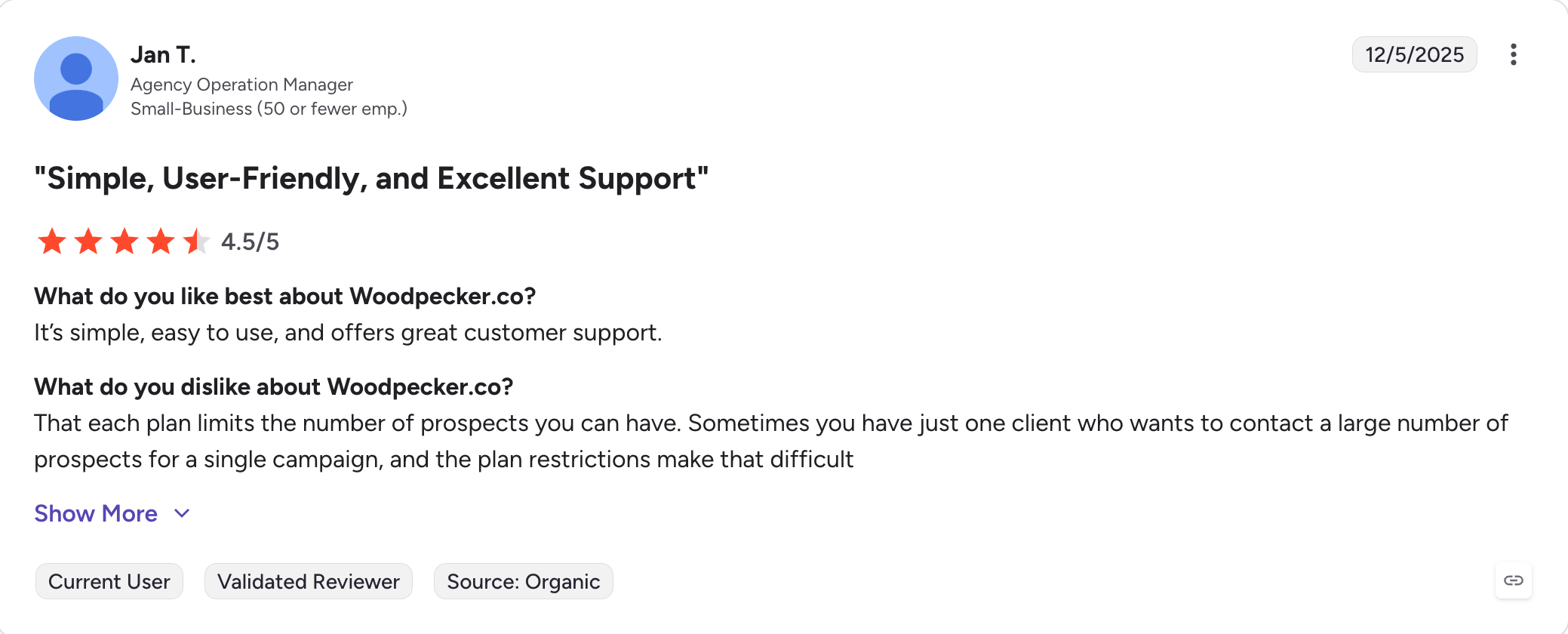
4. Woodpecker — best for solo founders and small teams
Best for: Solo founders and 1–3 person teams who want simple cold email without operational overhead.
Woodpecker is the tool I’d recommend to a founder running their own outbound for the first time.
It’s plug-and-play in a way Smartlead isn’t, with a user experience that feels straightforward from setup onward.
The UI is clean, the sequence builder is intuitive and easy to use for new users, and the SPF/DKIM/DMARC checks before sending help less technical users avoid spam-folder placement out of the gate.
The trade-off is depth. Woodpecker doesn’t bundle warm-up (it’s a paid add-on). The LinkedIn automation is limited to connection requests and basic messages. The lead database is an add-on. And the agency panel costs $27/client/month — only $2 cheaper than Smartlead’s per-client fee.
In my 500-email Woodpecker test, the campaign hit 28.3% open rate and 0% reply rate.
The platform worked reliably, but the upside ceiling is lower than Instantly or Salesforge.
Core Woodpecker Features
Visual sequence builder with conditional logic
SPF, DKIM, DMARC pre-send safety checks, plus basic monitoring for spam triggers
Pay-as-you-grow plan flexibility based on monthly prospect volume
Add-on model: pay only for what you need (warm-up, lead database, agency panel), including support for domain and mailbox management
Choose Woodpecker if: you're a founder running outbound yourself or a 1–3 person team, you don't need multichannel or AI SDR features, and you want a tool you can configure in 30 minutes without reading documentation. Pick something else if you need to scale to 50+ mailboxes or run an agency motion.
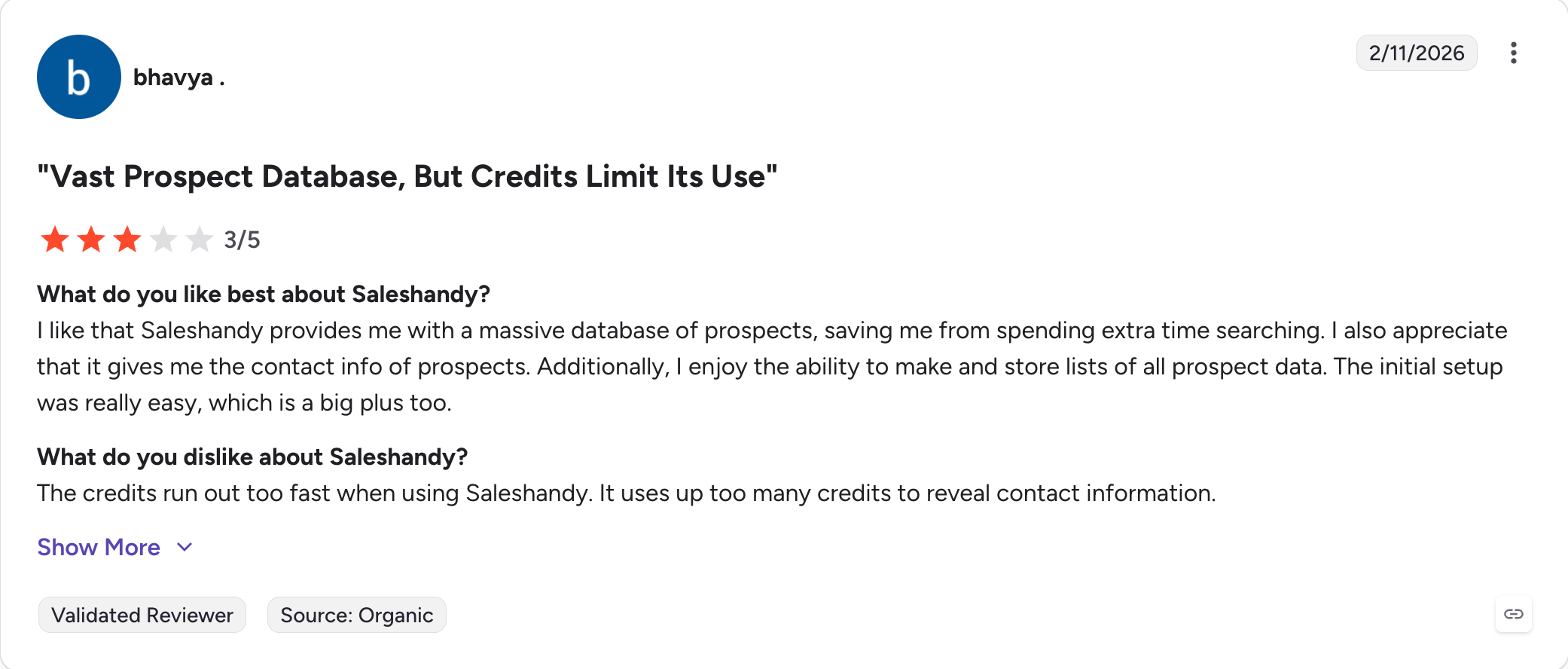
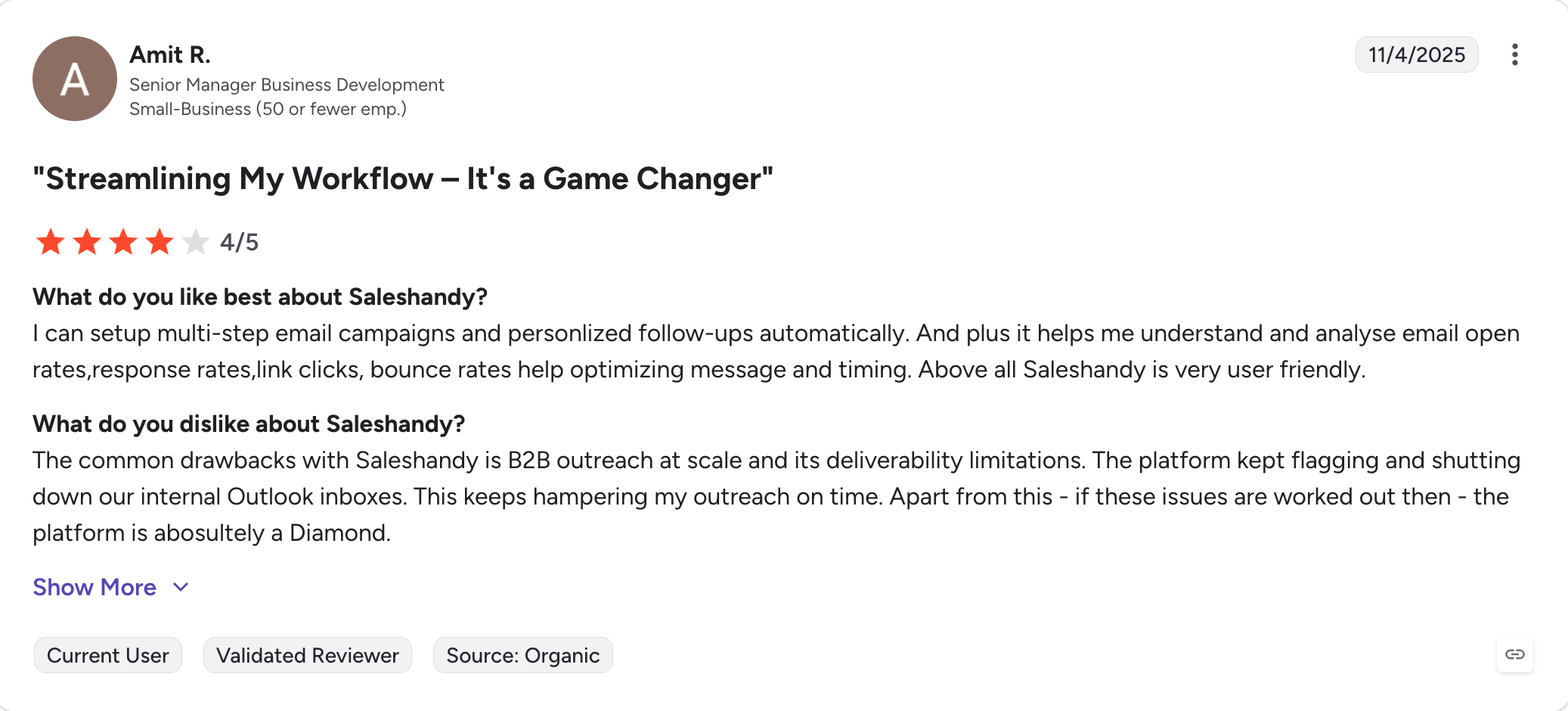
5. Saleshandy — best for budget-conscious teams and agencies
Best for: Agencies and teams that need unlimited mailboxes and unlimited client workspaces at the lowest price point on this list.
Saleshandy is the budget pick that doesn’t feel like a budget pick, and a practical cold email outreach option for budget-focused teams. At $25/month billed annually it’s $7/month cheaper than Smartlead Basic and includes unlimited email accounts plus unlimited clients across every plan. No per-client surcharge. No workspace upsell.
I ran a Saleshandy test with under-7-minute setup time, and the simpler workflows help teams manage outreach with less overhead. The campaign engagement was modest (32.9% open rate, 0.56% reply rate, 1.8% bounce rate on 1,000 leads), but for teams whose biggest pain point is operational cost, the price-to-feature math is hard to beat.
Where Saleshandy falls short: it’s email-only natively. No LinkedIn automation, no AI SDR, no MCP integration.
The platform also leans toward simpler workflows. If you need conditional branching, multichannel sequences, or advanced personalization, you’ll outgrow it, so it may not be the right cold outreach tool for teams that need complex branching or multichannel execution.
Core Saleshandy Features
Unlimited email accounts on every plan
Unlimited clients on every plan (no per-client fee)
Unlimited email warm-up included for tracking campaign performance
700M+ B2B lead database (Saleshandy Lead Finder) for teams and lead generation agencies
Choose Saleshandy if: the primary frustration with Smartlead is the agency fee, you want unlimited clients without the workspace surcharge, and your outbound motion is email-only. Pick something else if you need multichannel or AI SDR features.
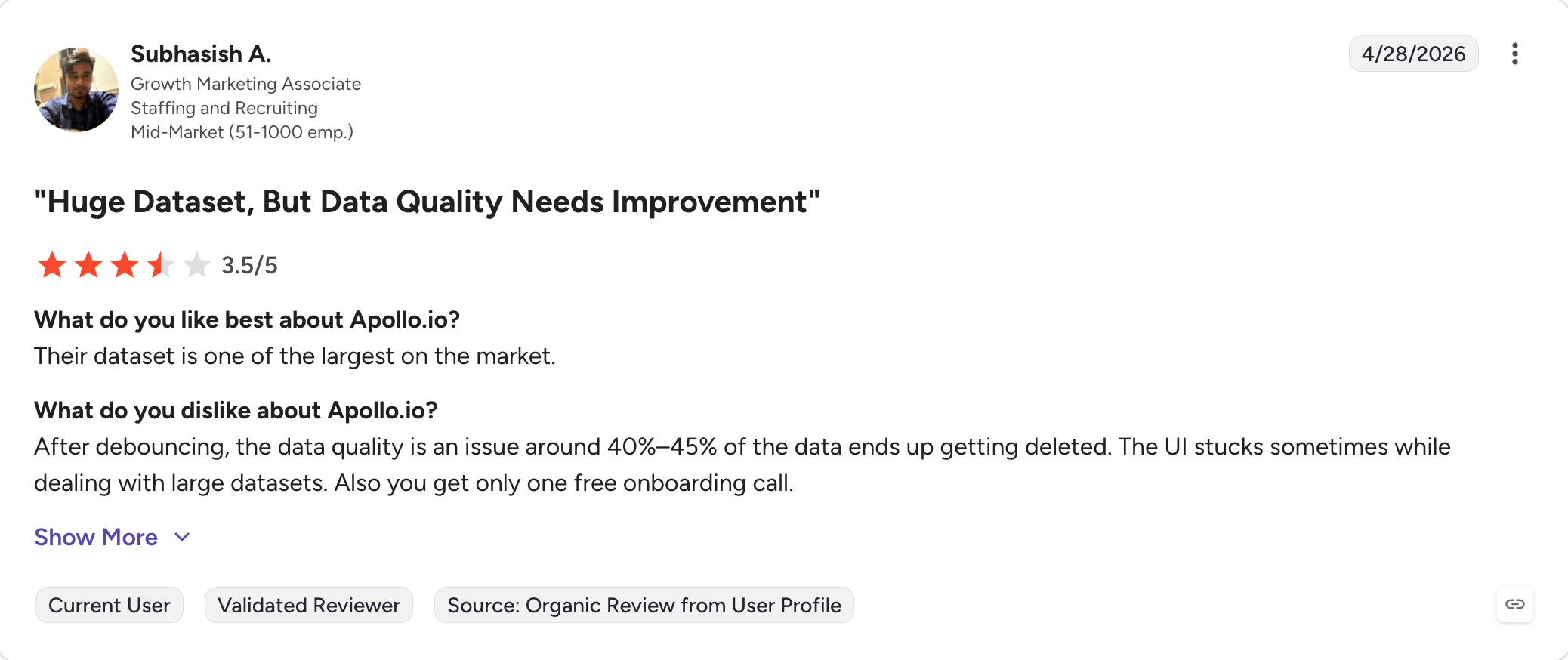
6. Apollo.io — best for prospecting + outreach in one platform
Best for: Teams that want a 275M+ contact database, list-building tools, and outbound sequencing in one platform.
Apollo is the only tool on this list that’s primarily a prospecting platform with outreach bolted on, not the other way around, though it does help manage contact data and outreach inside one sales outreach platform.
If your Smartlead frustration starts with “I can’t find good leads” before it gets to “the sending engine annoys me,” Apollo solves the upstream problem.
The database is real: 275M+ B2B contacts across 60M+ companies, with advanced filters (job title, headcount, technologies used, funding stage).
That integrated data can reduce reliance on other tools for prospecting. The outreach sequences work fine. The integrations with HubSpot and Salesforce are well-built. And there’s a free plan that’s actually usable for solo founders.
The catches: while it supports lead generation, deliverability isn’t Apollo’s strength (it relies on your personal mailbox infrastructure), the pricing math gets opaque at scale (credits, exports, mobile numbers all priced separately), and data quality varies.
Choose Apollo if: your real problem is upstream of sending — you need better prospect data, list-building, and contact enrichment, and outreach is secondary. Pair it with Salesforge or Instantly if deliverability matters to you (Apollo's sending is the weakest part of the product).
Final Verdict: Which Smartlead Alternative is Actually Worth Switching to?
There are two paths.
Path one: stay on Smartlead, accept the agency fees, bolt on a third-party warmup when yours starts hurting deliverability, run LinkedIn outreach through a separate tool, and keep managing more of the cold email infrastructure yourself.
For a 10-client agency you’ll spend roughly $384/month on Smartlead alone, plus the warmup service, plus a LinkedIn tool, plus the email finder.
Path two: consolidate the stack. Salesforge Growth at $80/month (billed annually) covers unlimited mailboxes, unlimited LinkedIn senders, unlimited users, unlimited workspaces, free unlimited warmup through Warmforge, the Free LinkedIn Email Finder Chrome extension, and Primebox for replies across both channels, which can improve inbox placement and reduce reliance on separate deliverability tools. Same agency, same 10 clients, fixed cost.
Most teams searching for “smartlead alternatives” in 2026 aren’t shopping for a cheaper send engine.
They’re shopping for fewer tools in the stack. If that’s you, Salesforge is the consolidation play.
If you genuinely just need a cheaper send engine and your outbound stops at email, Saleshandy at $25/month (billed annually) is the honest pick.
If your business objectives point to consolidation instead of patching together extra tools, Salesforge is the better fit.
Depends on what's pushing you off Smartlead. If it's the no-LinkedIn limitation, Salesforge is the answer. If it's the agency per-client fee, Saleshandy. If it's deliverability inconsistency, Instantly. The article above maps each frustration to the right tool.
Is Salesforge cheaper than Smartlead at agency scale?
Yes, significantly. Smartlead Pro at $94/month plus $29/client across 10 clients runs $384/month. Salesforge Growth at $80/month (billed annually) includes unlimited workspaces, no per-client surcharge. The break-even is around 3 clients.
Which Smartlead alternative supports LinkedIn outreach natively?
Salesforge (6 LinkedIn actions, unlimited senders on Growth), Lemlist (4 actions, per-seat pricing), and Woodpecker (2 actions, limited). Instantly and Saleshandy are email-only.
Does Smartlead's warmup actually hurt deliverability?
Multiple G2 reviewers and Reddit threads report exactly that — Smartlead’s warmup degrading sender reputation in certain configurations rather than improving it. It doesn’t happen to every user, but it’s frequent enough to be a recurring complaint and one of the top reasons teams switch to platforms with separately validated warm-up systems like Warmforge (Salesforge), Lemwarm (Lemlist), or Instantly’s native warm-up, while some also rely on inbox placement testing to verify deliverability outside Smartlead’s approach.
Can I run multichannel outreach (email + LinkedIn) without Smartlead?
Yes. Salesforge runs email and LinkedIn in the same sequence with conditional branching, 6 LinkedIn actions, and unlimited LinkedIn senders on the Growth plan. Lemlist also supports multichannel, but with per-seat pricing that scales faster.
Which Smartlead alternative is best for agencies?
Saleshandy and Salesforge are the two real options for teams that need to manage multiple clients. Saleshandy is cheaper at entry ($25/month billed annually) with unlimited clients on every plan, while Salesforge Growth at $80/month (billed annually) costs more but helps agencies manage multiple clients with unlimited workspaces, plus unlimited LinkedIn senders, AI personalization in 21+ languages, and free unlimited warm-up. For email-only agencies, Saleshandy. For multichannel agencies, Salesforge.
Is it worth switching from Smartlead to Saleshandy?
If your main frustration is the per-client agency fee and your outbound is email-only, yes. Saleshandy includes unlimited clients on every plan and costs $7/month less than Smartlead Basic. If you need LinkedIn outreach or AI SDR features, neither Smartlead nor Saleshandy covers it.
Cold email AI tools in 2026 do more than write emails. Compare the best AI cold email tools for deliverability, prospecting, outreach, and AI SDR workflows.





.jpg)

.jpg)

.jpg)